
Coach website, funnel, and email list in a day
Build a coaching site, lead-magnet funnel, email sequence, and CRM in one day — replacing the Wix, Mailchimp, Calendly and spreadsheet stack.
Here is the stack we inherited from almost every coach who came to us: a Wix site
nobody had touched in a year, Mailchimp with 340 contacts and no tags, Calendly,
a Stripe payment link pasted into a DM, and a Google Sheet called LEADS FINAL v3
that was the actual CRM.
Five subscriptions, four logins, no connection between any of them. Every launch began with an hour of copying email addresses from one tool into another.
The tool sprawl is not a budgeting problem. It is why the follow-up never happens — the information a coach needs to send the right email is spread across four systems that do not talk.
James Cook Media built 300+ client sites and funnels, a lot of them for coaches, and the pattern never varied. So this is the build we would run for you if you gave us one day. Morning: the site. Midday: the funnel. Afternoon: the list and the tags. Evening: live.
Before you start: the two decisions that actually take time
Everything else in this day is mechanical. These two are not, so make them over coffee before you open anything.
What the programme is called, and what it does. Not “transformational coaching.” A name plus an outcome plus a duration: “The 90-Day Operator — for founders who are the bottleneck in their own company.” If you cannot say the outcome in a sentence, no website will rescue the page.
What you give away. One asset that solves a real fragment of the problem: a diagnostic, a scorecard, a checklist, a 15-minute audit video. It must be something a stranger would trade an email address for and something your paid programme obviously extends.
Write both down. They become the spine of the site, the funnel, and every email.
Morning: the site
You describe the business in chat, and you get three approvals — style, sitemap, wireframes — before anything is built.
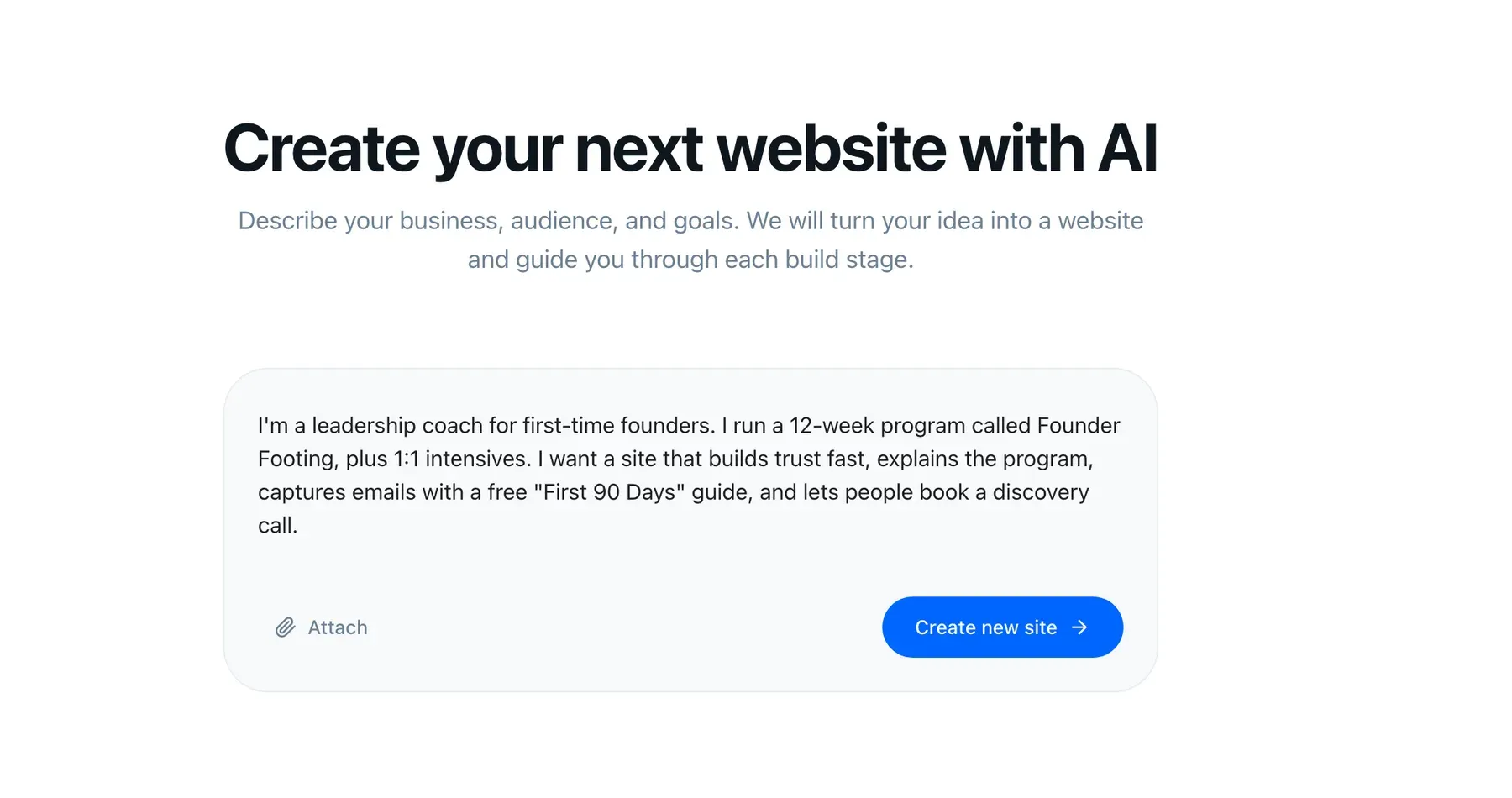
Type something like this, ugly and specific:
“I coach founders of 5-to-20-person companies who have become the bottleneck in their own business. My main offer is The 90-Day Operator, a twelve-week programme, group calls plus two 1:1s, £4,500. I also take four private clients. My lead magnet is a Bottleneck Scorecard. I want people to book a consultation, not buy from the site. Tone: direct, no hype, I am not a motivational speaker.”
The sitemap you should expect and keep is four pages: the programme page, about, proof, contact. That is it for the morning. Coaches lose entire days building a blog they will post to twice, a resources hub, and a services page that duplicates the programme page.
The programme page carries the weight. It needs: the outcome up top, who it is for and who it is not for, the format and duration stated plainly, what happens in each phase, the price or the honest reason there isn’t one, and a single call to action repeated three times.
The proof page is the one coaches under-build. Use whatever you truthfully have — client outcomes you can describe, credentials, places you have spoken, years in the room. Do not invent anything; a thin honest proof page beats a padded one, because prospects on a consultation call will ask.
The how it works page walks the full approval sequence if you want to see it before you commit.
About booking, honestly
Your programme page needs a way to get on your calendar, and today that is an embed — Calendly, Cal.com, whatever you already pay for — dropped onto the programme and thank-you pages. The contact record stays in the StoryPages CRM, so the lead is yours regardless of which scheduler you use.
Native calendar booking is on the roadmap, along with webinars. We are not shipping it yet, and we would rather you read that here than discover it after signing up. Nothing about the embed approach is a dead end: when native booking lands, the pages it sits on are the pages you already built.
Midday: the funnel
The funnel is not a second website. It is a path: an ad or a post or a podcast mention lands on a page whose only job is the scorecard, the form writes into the CRM, the thank-you page offers the consultation, and the sequence starts.
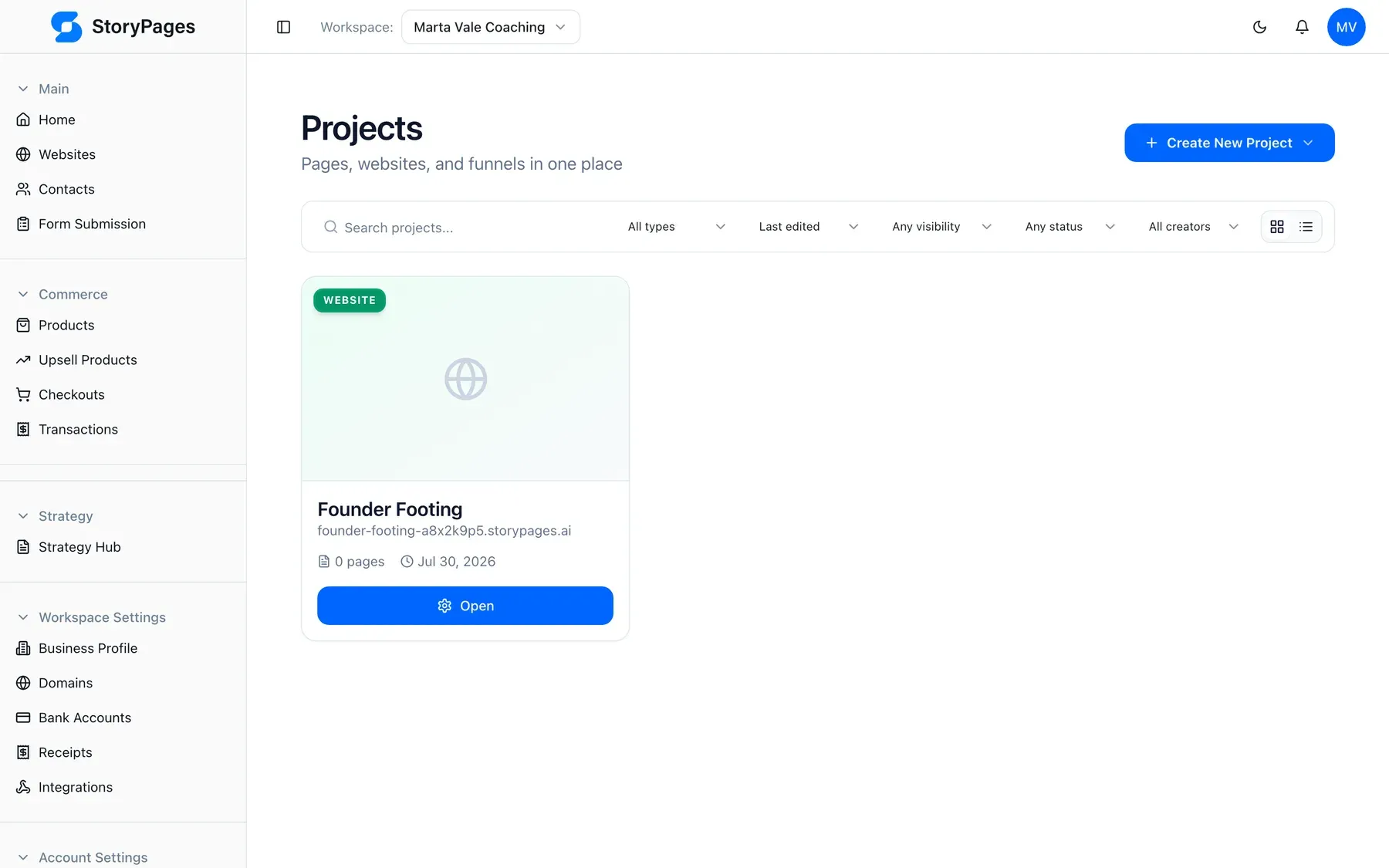
Three things to get right at midday:
One field on the form. Email. Maybe first name. Every extra field costs you conversions, and you will learn everything else on the call.
The thank-you page does work. Most coaches waste it on “check your inbox.” Deliver the scorecard there and immediately offer the next step — the consultation, with one sentence on what happens in it. Your warmest moment is the ten seconds after someone gives you their email.
The funnel and the site share the CRM. This is the whole reason to stop duct-taping. Someone who takes the scorecard, then reads the programme page, then requests a consultation is one contact with a history, not three rows in three tools. See the funnel builder for how the steps assemble.
Afternoon: the sequence and the tags
Open the CRM. Contacts arriving from the funnel carry their source and a tag, and the tags are what make the afternoon’s work possible.
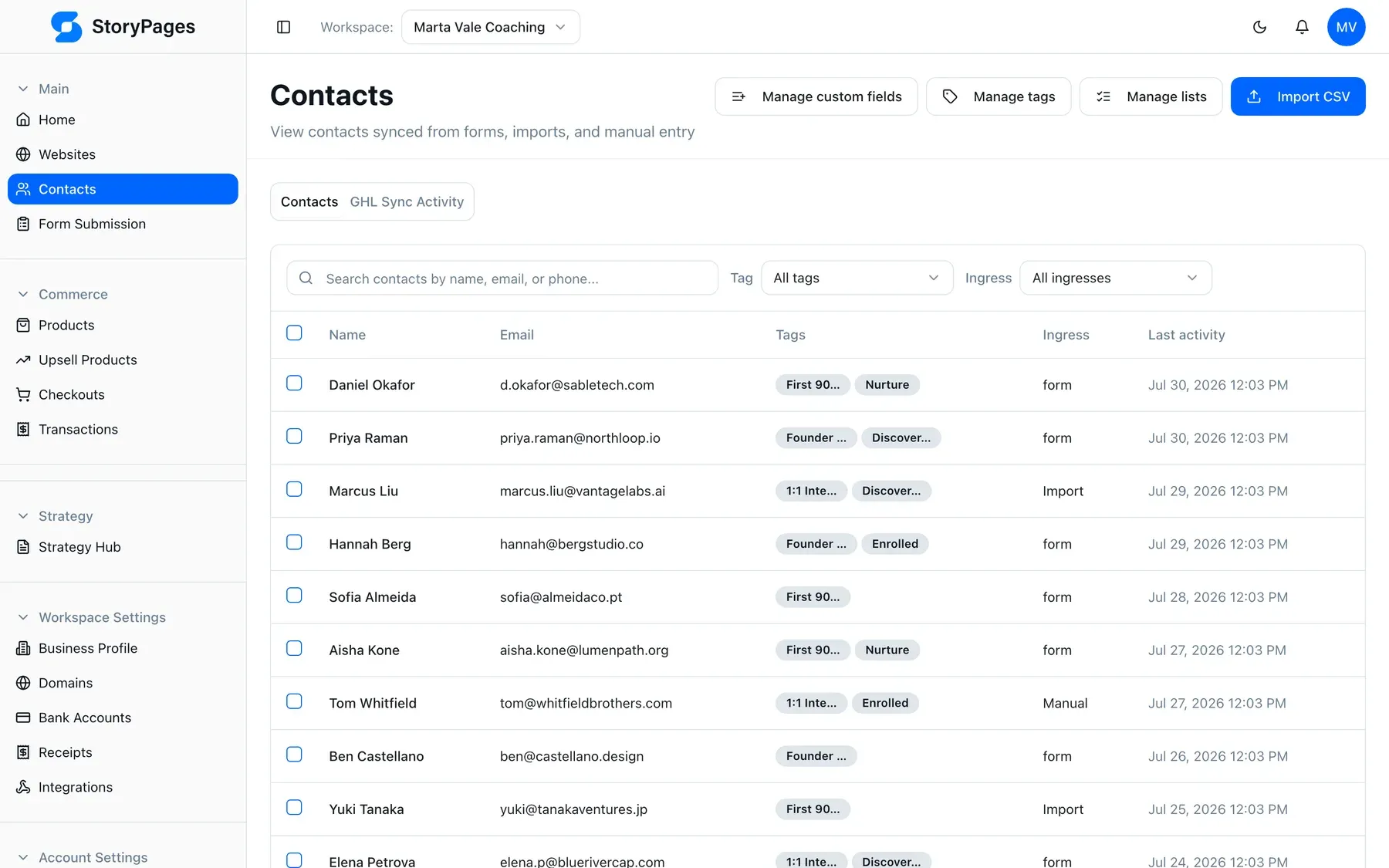
Set up four tags on day one and no more: scorecard (took the lead magnet),
consult-requested, consult-held, client. Four tags you actually maintain
beat twenty you abandon in three weeks.
Then four emails in email marketing, triggered on
the scorecard tag:
- Immediately — the scorecard, plus one line on how to read the result. Nothing else. No pitch.
- Day two — the single most common pattern you see in people who score badly, and what to do about it this week. Pure usefulness.
- Day four — a client situation, described honestly and without naming anyone, that shows what the work looks like from inside.
- Day six — the consultation invitation, with what happens on the call and what it costs. One link.
Write these as you would talk. The draft you get will be structurally right and
tonally too smooth; fix the voice, keep the structure. And exclude anyone tagged
consult-requested from the rest of the sequence — pitching someone who already
said yes is the fastest way to look automated.
Evening: launch
Publish, then spend twenty minutes on this list.
- Submit the funnel form with your own email. Confirm the contact appears
with the
scorecardtag, the thank-you page delivers, and email one arrives. - Click the consultation button on every page it appears. Booking embeds break silently more often than anything else on the site.
- Read the programme page on a phone. Coaches get most of their traffic from social, which means most first visits are mobile.
- Check the price is stated or the reason it isn’t. Ambiguity here fills your calendar with people who cannot afford you.
- Confirm the domain and SSL are attached. Hosting, domain, and certificate are handled in-platform.
- Look at your AI visibility. Structured data, semantic HTML, fast static
pages, and an
llms.txtship by default, which is what lets a model answering “who coaches founders on delegation” have accurate facts about your format, duration, and price. Details on AI visibility.
Then tell twenty people. Not a launch campaign — twenty individual messages to people who know you, with the scorecard link. That is a better week-one traffic source than any ad you could set up tonight.
Week one: what to measure, and what to ignore
Ignore visits. Ignore bounce rate. In week one those numbers are noise and they will either flatter or depress you for no reason.
Watch three things:
Scorecard completions. Did strangers trade an email for it? If nobody does, the magnet is wrong or the page above it does not explain the problem. Fix the magnet before touching anything else.
Scorecard to consultation rate. This tells you whether the sequence earns trust. If people take the magnet and never request a call, the four emails are pitching before they are useful.
What happens on the calls. If the wrong people are booking, the programme page is not saying who it is not for. Add that section — it is the highest-leverage paragraph on a coaching site.
One change per week, based on those three numbers. Not a redesign.
Why this is one product instead of five
We were a major GoHighLevel reseller before building StoryPages, and we know exactly how the alternative goes: the platform can do all of this, and the coach cannot operate it, so we operate it, so every change is a ticket to us. That was our revenue and it was also the problem. The honest comparison is in StoryPages vs GoHighLevel.
The point of putting the site, CRM, email, and funnels in one account is not the feature list. It is that the person whose name is on the business can change the programme price on a Tuesday without booking anyone.
If you want the shape rather than the walkthrough, see the coaching use case, read about us, or check pricing. Otherwise, name the programme, write down the giveaway, and start with the morning.