
Say what you do
In your own words — the business, who it is for, what you want the site to achieve. No blank canvas, no template gallery, no 40-field wizard.
Describe your business the way you'd describe it to a friend. StoryPages designs it, writes it, builds it, and puts it online — then keeps a CRM, email, and funnels running underneath it.
No credit card. Free plan available. Live the same day.
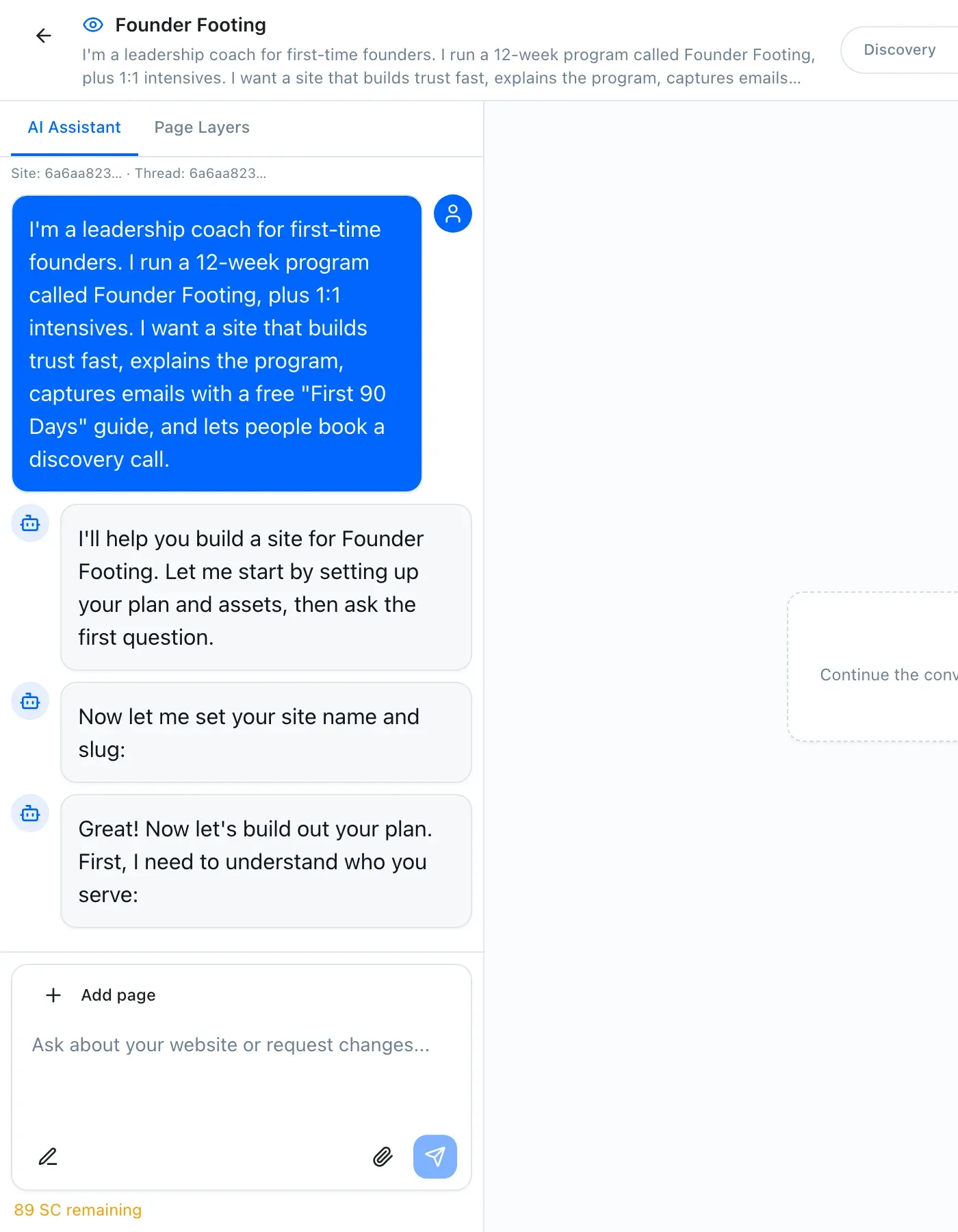
I'm a leadership coach for first-time founders. 12-week programme, plus 1:1 intensives. I need people to trust me fast and book a call.
Understood. Here's the site I'd build for that:
We spent years building websites and funnels for 300+ clients, and years reselling GoHighLevel to them. The software was powerful. Our clients still could not use it.
So we built the thing we actually wanted to hand them.
Every author, coach, and consultant we worked with hit the same wall: the tools assume you want to be a webmaster. Most people just want the website. StoryPages is what happens when you design for that person instead.
Read the full story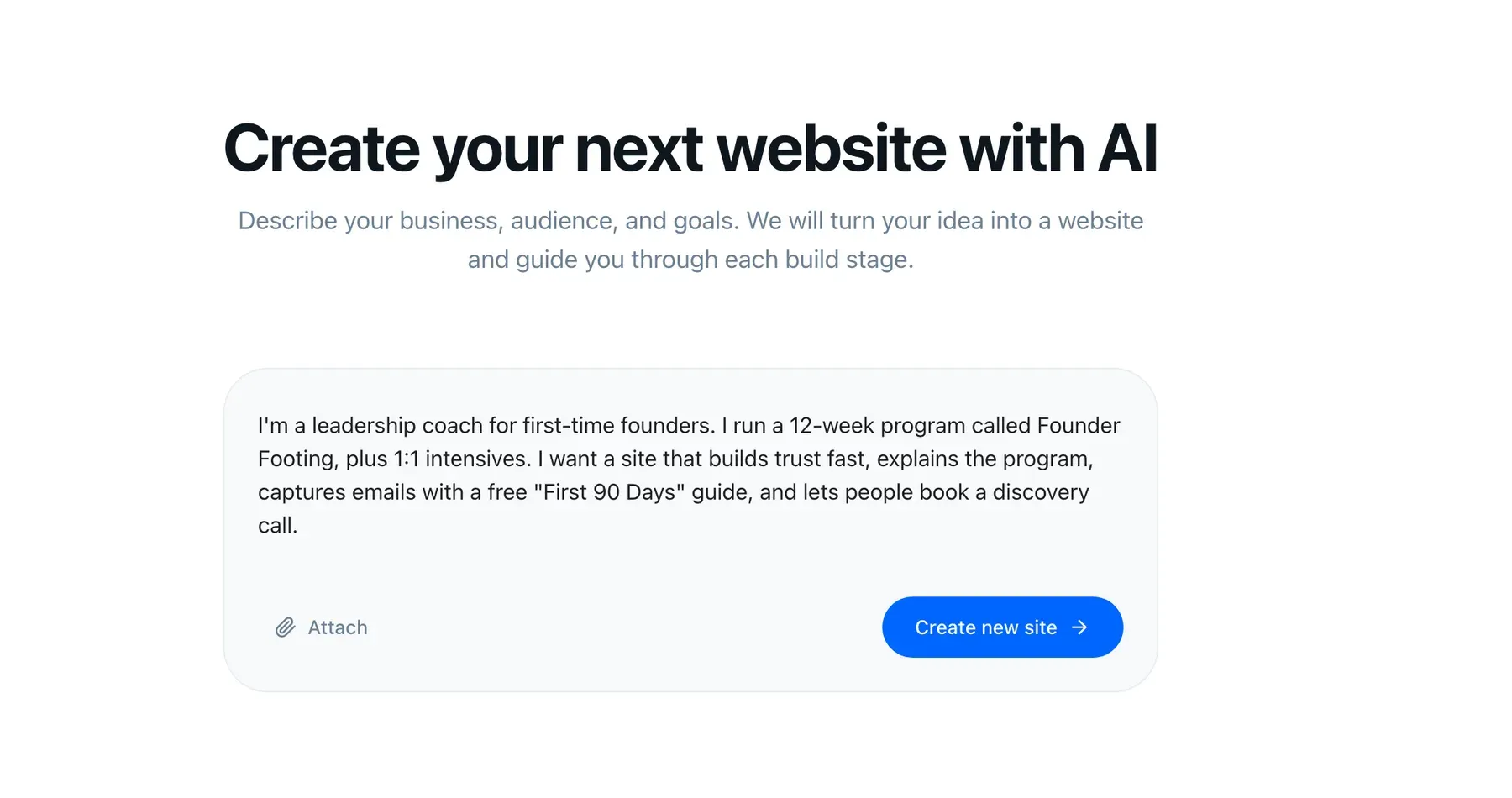
Not "AI generates a site and you hope". You see and approve the style, the structure, and the layout before anything is written — the same way a good agency would walk you through it, minus the six weeks.
In your own words — the business, who it is for, what you want the site to achieve. No blank canvas, no template gallery, no 40-field wizard.
StoryPages proposes type, colour, and voice from your brand. Nudge anything you do not like. Say "warmer", "less corporate", "match my book cover".
You see the pages it plans to build and why each one exists before a single word is written. Add, remove, rename.
Section-by-section layout for each page. This is where most people catch the thing they forgot — and it costs nothing to change.
Copy, design, hosting, SSL, your domain, and AI-visibility defaults are all handled. Then keep editing by talking to it.
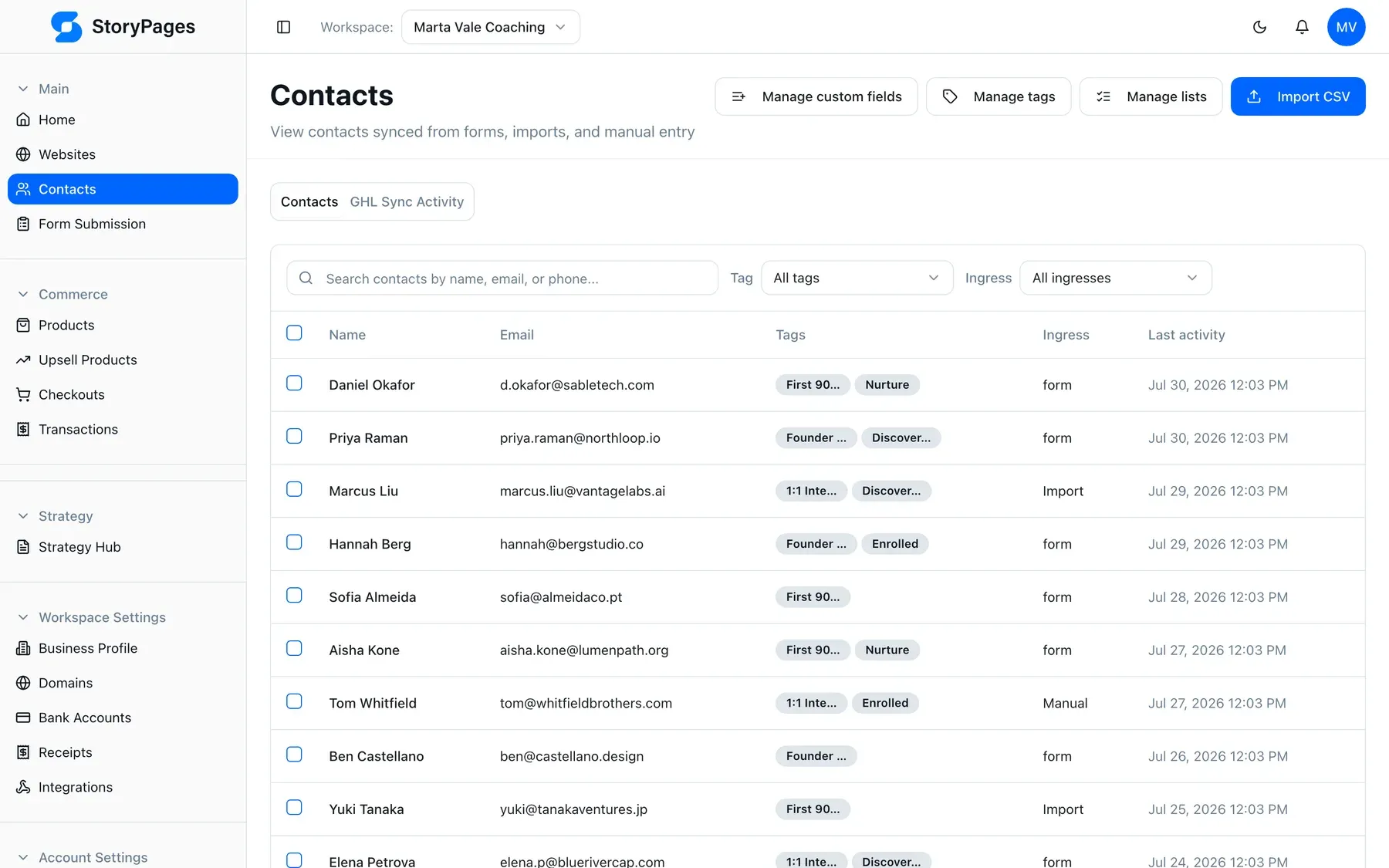
The reason your website feels like a chore is that it is disconnected from everything else you do. Here it isn't.
Your buyers ask ChatGPT and Claude before they ask Google. Those
systems can only recommend what they can read. Every StoryPages site
ships structured data, llms.txt, semantic HTML, and fast
static pages — the work most builders leave entirely to you.
One subscription instead of
We would rather show you the screens than describe them.
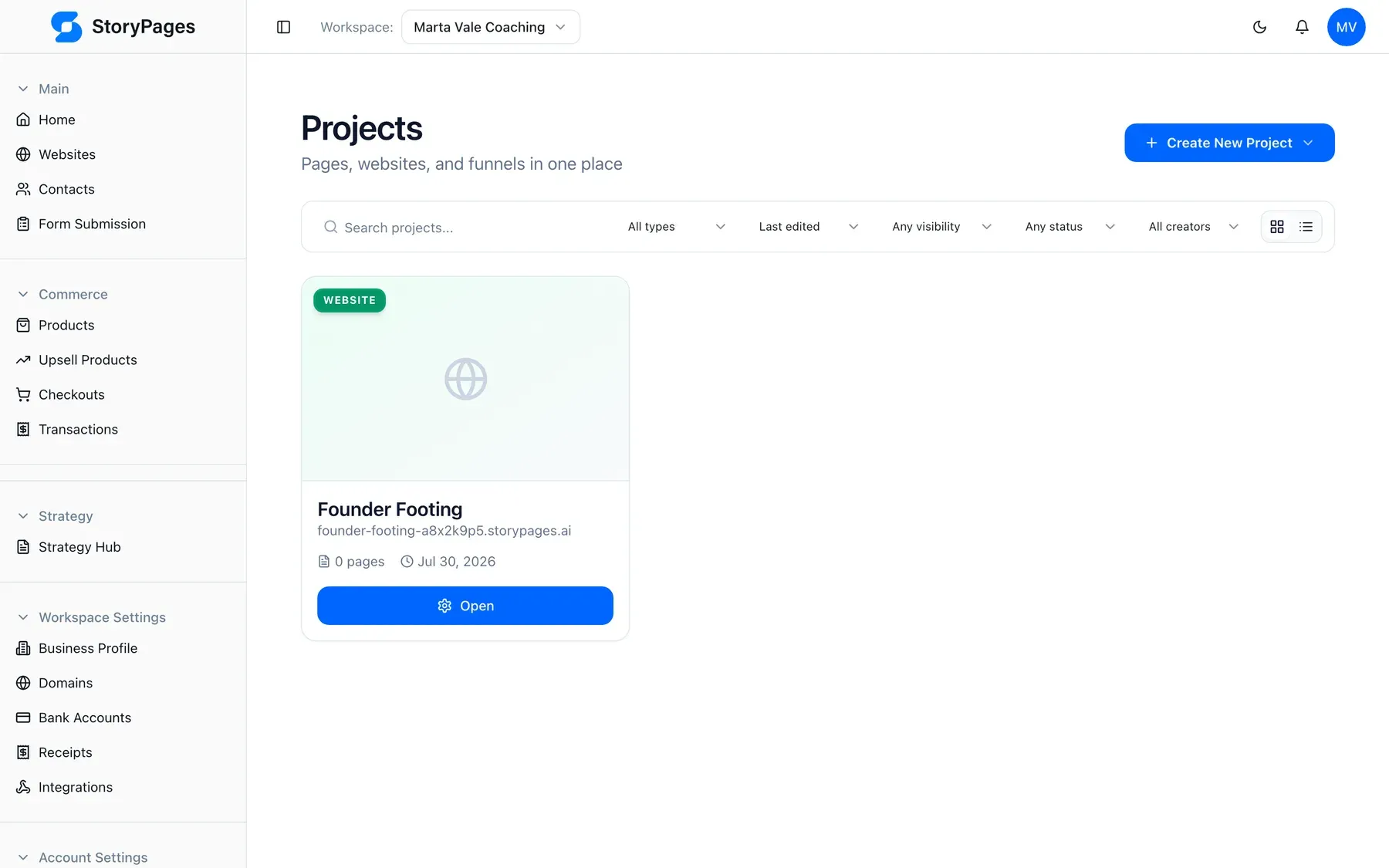
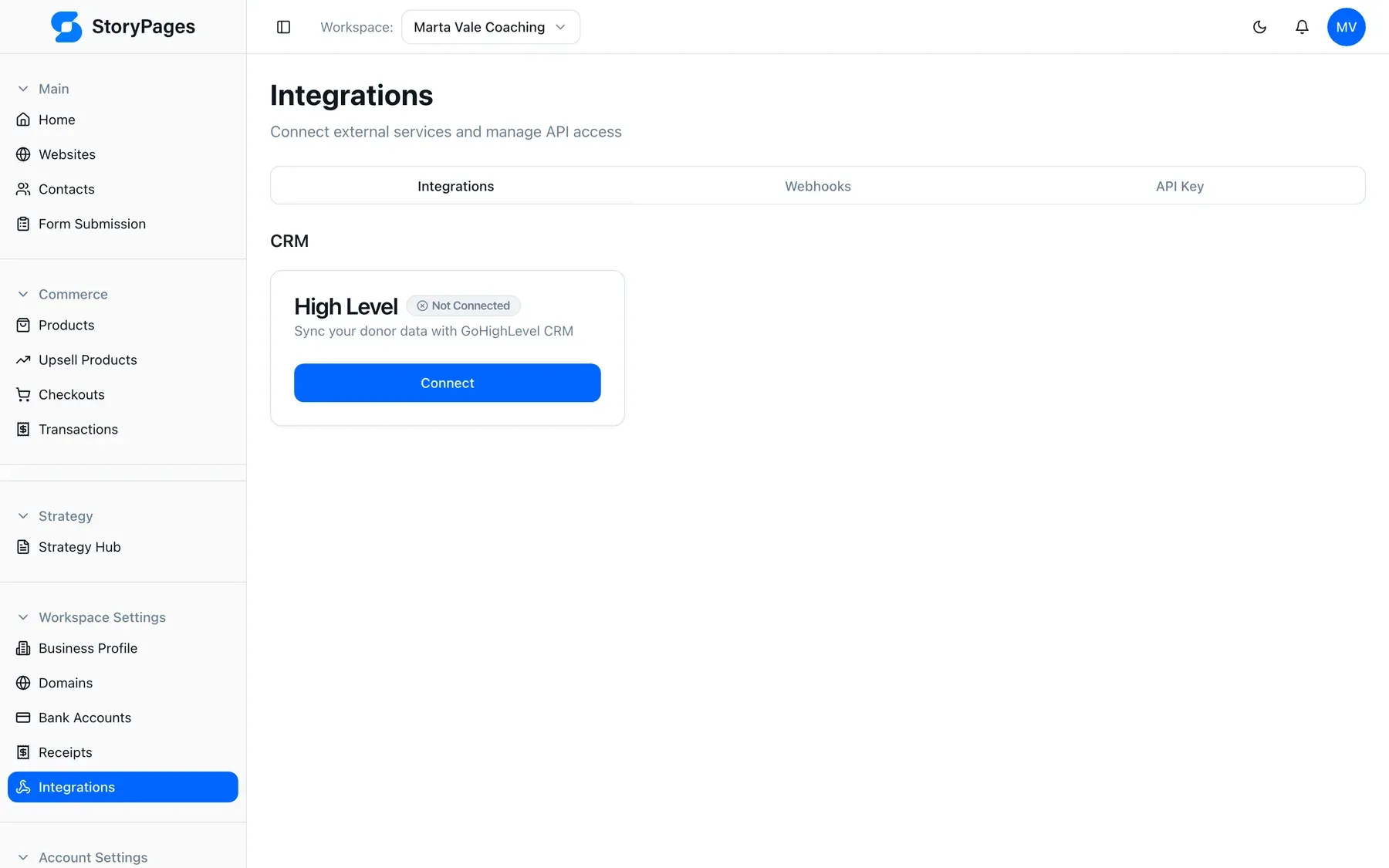
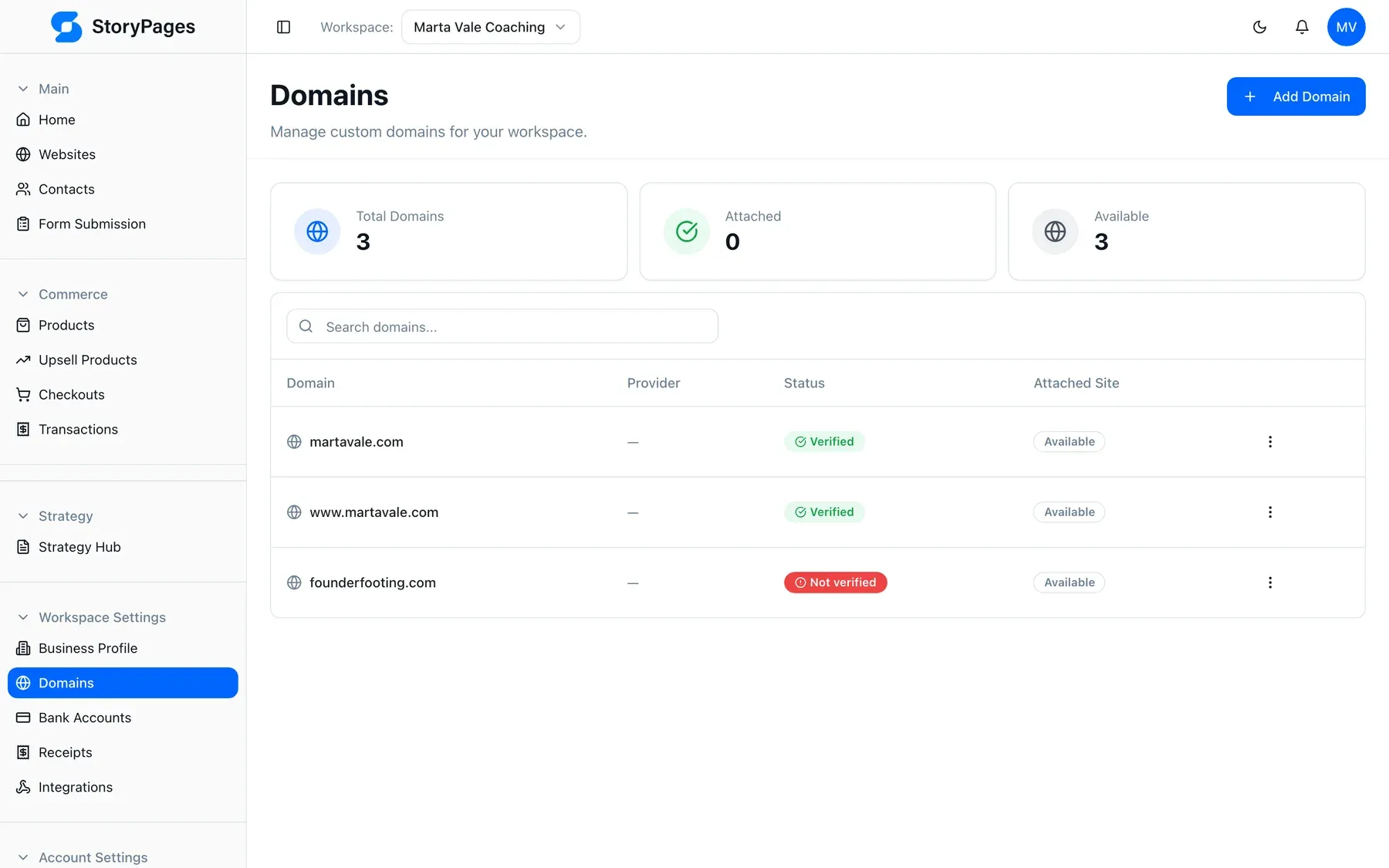
Fair. Most builders answer that with a gallery of showcase sites made by in-house designers, which tells you nothing about what you would get.
So here is the honest version: spend ten minutes describing your actual business and look at the sitemap and wireframes it proposes for it. That is a real answer about your business, not a staged one about someone else's.
We are not going to pretend GHL is bad software — we sold it for years and it earned its place. We will tell you exactly where it wins, where it loses, and why our clients could never run it themselves.
Read the side-by-sideNone. You describe your business in a chat and approve what StoryPages proposes. There is no builder to learn, no hosting to configure, no plugins to update. Changing something later is another sentence, not another project.
Those give you a canvas and tools. You are still the designer, the copywriter, and the webmaster. StoryPages gives you a conversation and returns a finished site — then keeps the CRM, email, and funnels in the same place. See the full comparisons.
Your customers increasingly ask ChatGPT, Claude, or Google AI Overviews before they ask a search engine. Those systems can only recommend you if your site is machine-readable. Every StoryPages site ships structured data, an llms.txt file, semantic HTML, and fast static pages by default. How it works.
More. Your site feeds a built-in CRM, you send email campaigns from the same workspace, and you can build funnels without a second subscription. Webinars and calendar booking are on the roadmap.
There is a free plan to build and preview. Paid plans start at $29/month and differ by number of sites, pages per site, and CRM contacts. See pricing.
James Cook Media — a storytelling agency that has built 300+ websites and funnels for clients and spent years as a major GoHighLevel reseller. We built the product we wished we could hand our own clients. Our story.
Free to start, no credit card, and you'll see your sitemap before you commit to anything.
Authors · consultants · coaches · agencies · local business · nonprofits