
Five approvals. One website. Same day.
Not 'AI generates a site and you hope'. You see and sign off the style, the structure, and the layout before a word is written — the way a good agency would walk you through it, minus the six weeks.
No credit card. Free plan available.
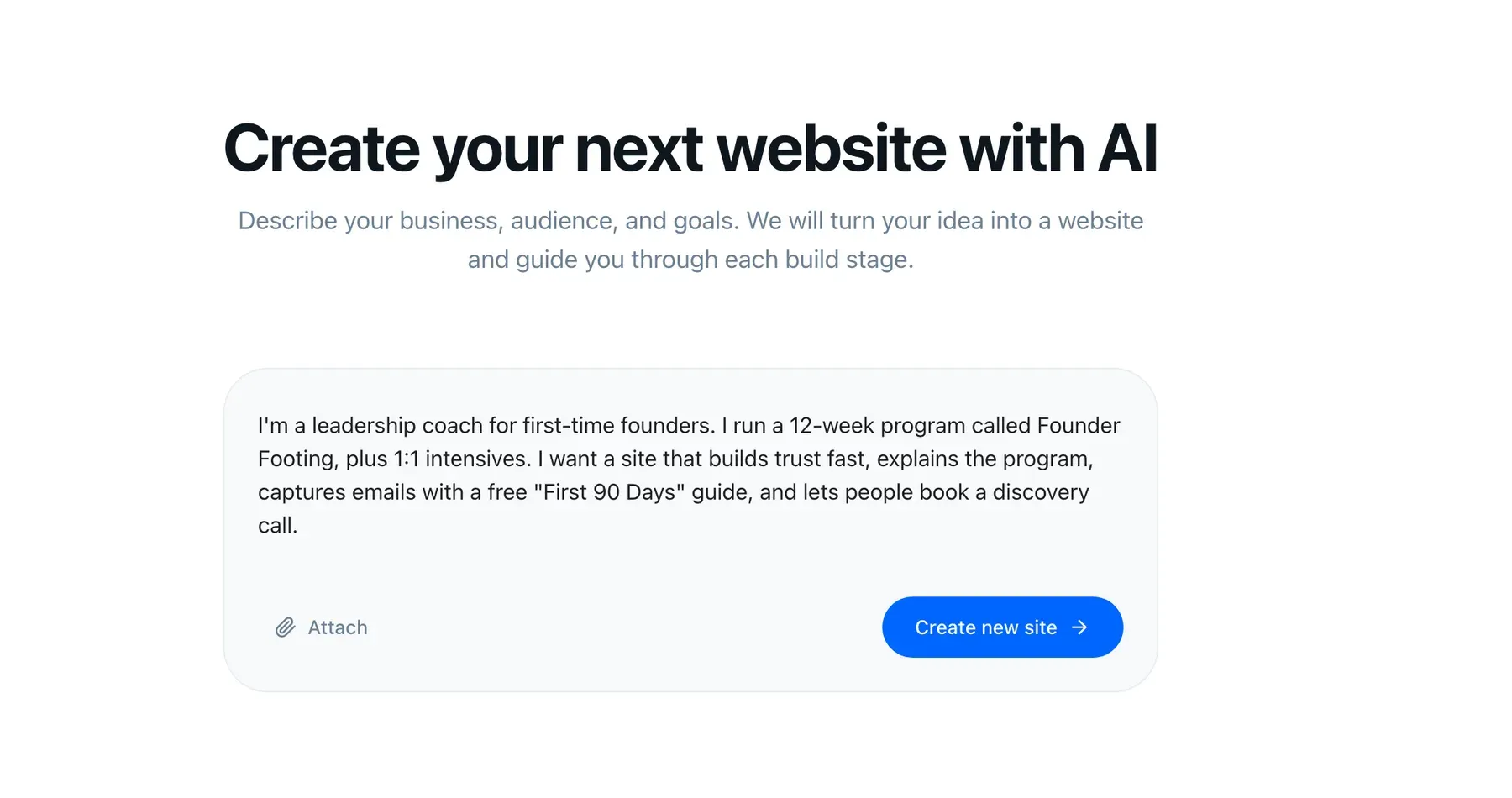
I'm a leadership coach for first-time founders. 12-week programme, plus 1:1 intensives. I need people to trust me fast and book a call.
Understood. Here's the site I'd build for that:
- Pages Home · Programme · Intensives · About · Client stories · Book a call
- Lead capture "First 90 Days" guide · email sequence · CRM tag
- Tone direct · warm · no jargon
Say what you do
One honest paragraph: the business, who it serves, and what you want the website to achieve. Not a design brief — the way you would describe it to someone at a dinner party.
There is no template gallery to choose from and no forty-field onboarding wizard. The reason matters: picking a template means adopting a stranger's idea of your business before you have described it.
Approve the look
StoryPages proposes type, colour, and tone of voice from your brand and your brief. You react in plain language: "warmer", "less corporate", "match my book cover", "drop the gradient".
This is an approval gate, not a preview. Nothing is written until you are happy with how it will feel.
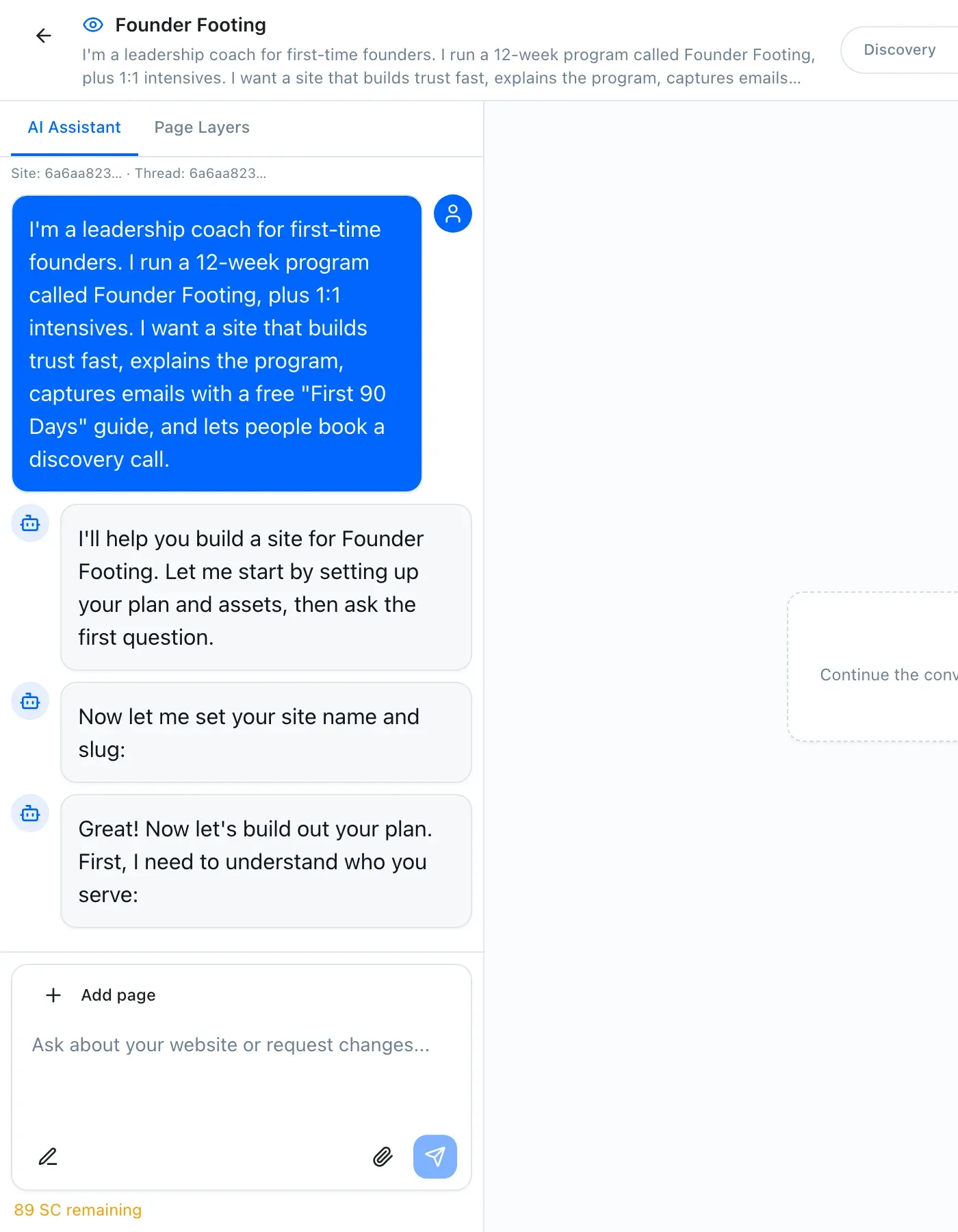
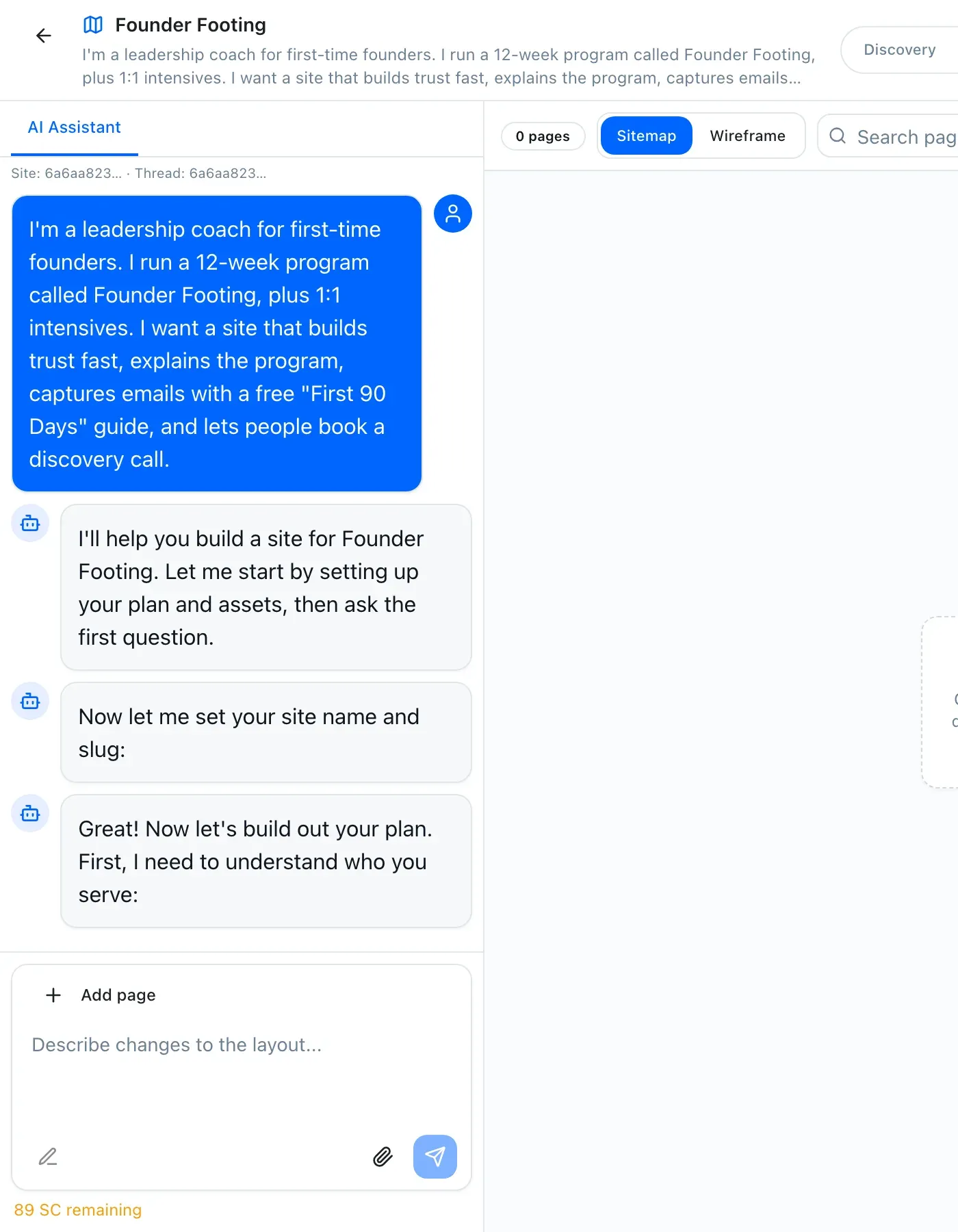
Check the sitemap
You see the pages it plans to build and the job each one does. Add the one it missed, delete the one you do not need, rename anything.
Most people cut a third of the pages they thought they wanted at this stage, which is exactly the point. A tight site converts better than a comprehensive one.
Proposed sitemap
- / Home — the promise and the proof
- /programme What the 12 weeks actually contain
- /intensives The 1:1 option and who it suits
- /about Why you, specifically
- /stories Client outcomes
- /book One clear next step
Add, remove, or rename anything before a word is written.
Approve the wireframes
Section-by-section layout for each page, before any copy exists. Agencies bill for revision rounds precisely because clients only see structure at the very end.
Move it, remove it, ask for a testimonial block above the pricing instead of below. It costs nothing here.
Go live
Copy, design, hosting, SSL, your domain, and the AI-visibility defaults are all handled. Your site gets a working subdomain immediately, so you can share it before your domain is switched over.
Then the assistant stays. New price, new service, new testimonial: describe the change. That is the difference between a site that is accurate in a year and one that is quietly wrong.
It does not stop at the website.
The site is the front door. Behind it, in the same workspace, is the machinery most small businesses buy separately.
How it works: the questions we get
How long does the whole thing really take?
What if I do not like what it produces?
Do I need to write the copy?
Can I bring my own text and images?
What are story credits?
What happens after launch?
Reading about it is slower than doing it.
You will have a real sitemap for your actual business in about ten minutes. Free, no card.